Math solver extension
A math solver extension that shows every step
Stuck on a problem in your online homework? Press the VeilGPT camera on the page and get the answer with the working laid out step by step, written in real math notation.
- SnapPress the camera on the page or drag a box around one problem.
- ReadThe answer appears in a small chip. Tap the bulb for every step.
- AskNot sure why a step works? Ask a follow-up in the sidebar until it clicks.
Why students use VeilGPT
Real math notation
Fractions, exponents, integrals and matrices are rendered like your textbook, not as plain text.
Algebra to calculus
Equations, factoring, systems, trig, limits, derivatives, integrals, statistics and word problems.
Reads the problem for you
No retyping symbols. VeilGPT reads the problem straight from the page, graphs included.
Learn the method
Each answer ends with the key idea, so the next problem on the set is easier.
How it looks on the page
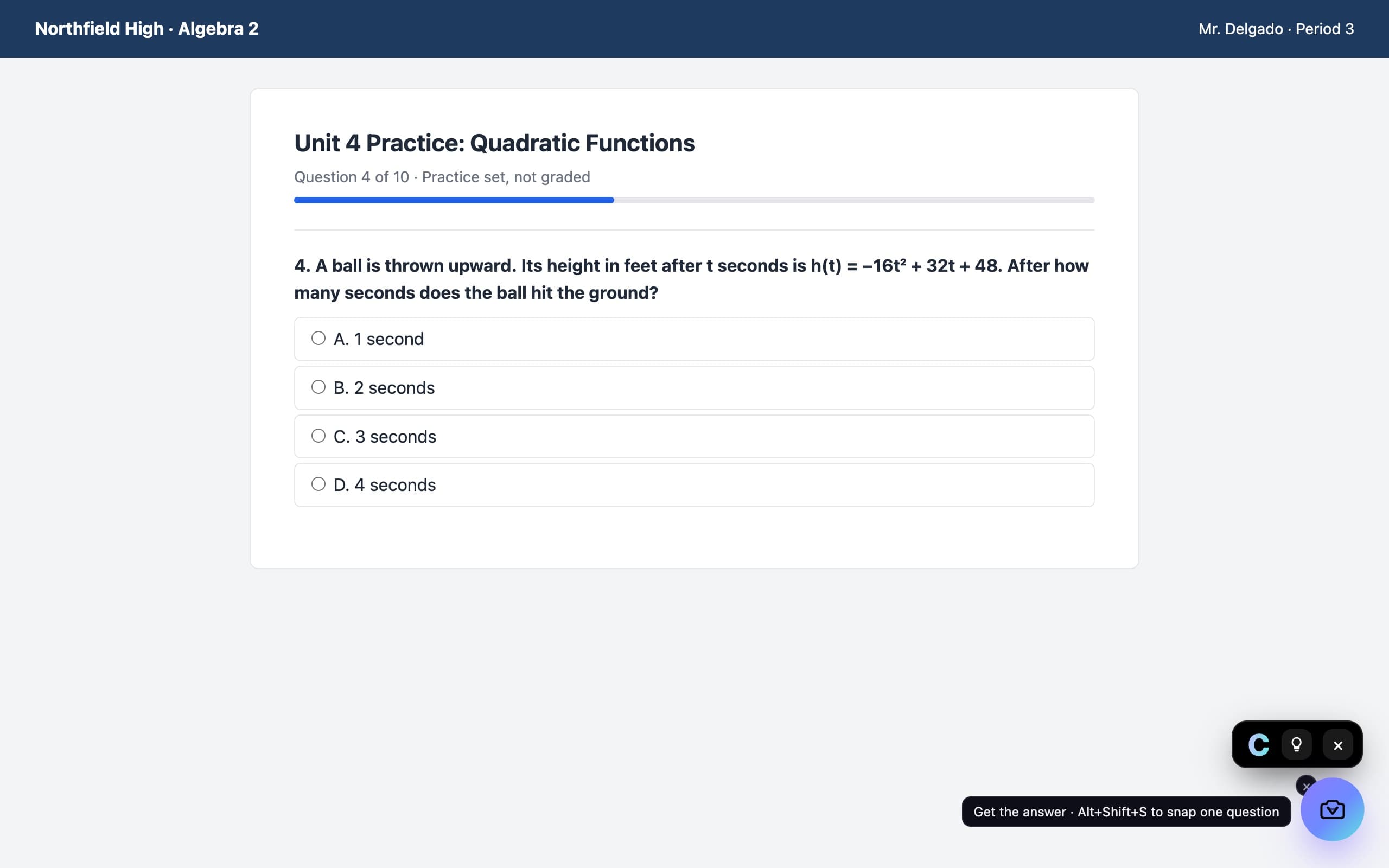
A camera in the corner of the page. Press it on a question and the answer appears in a small black chip, with every step behind the bulb.
Questions, answered
What is the best free math solver extension for Chrome?
VeilGPT is built for this: it reads the problem from the page, so you never retype it, and every answer includes the steps. The free plan gives 5 snaps a day.
Does it work for word problems?
Yes. It reads the whole problem, sets up the equation and explains each step of solving it.
Can it do calculus?
Yes. Limits, derivatives, integrals and related rates, with the rule named at each step.
VeilGPT is built for homework, practice and studying. Follow your school's and instructor's rules on AI use.