Homework help from a picture
Snap a picture of your homework. Learn every step.
Working from a printed worksheet or a textbook? Attach a photo in the VeilGPT sidebar, add a note like "how do I do number 17?", and get the full working explained step by step.
- AttachOpen the VeilGPT sidebar and press Attach, or paste or drop the picture in.
- AskAdd a note about which problem you need, or just send the picture.
- LearnRead the steps and ask follow-ups about anything that doesn't make sense.
Why students use VeilGPT
Photos and screenshots
Phone photos of worksheets, textbook pages and screenshots all work.
Pick the problem
Point to one question on a busy page with a quick note, like "just number 4".
Every subject
Math, chemistry, physics, biology, economics, history and essay feedback.
Follow-ups
Keep the conversation going until the idea clicks.
How it looks on the page
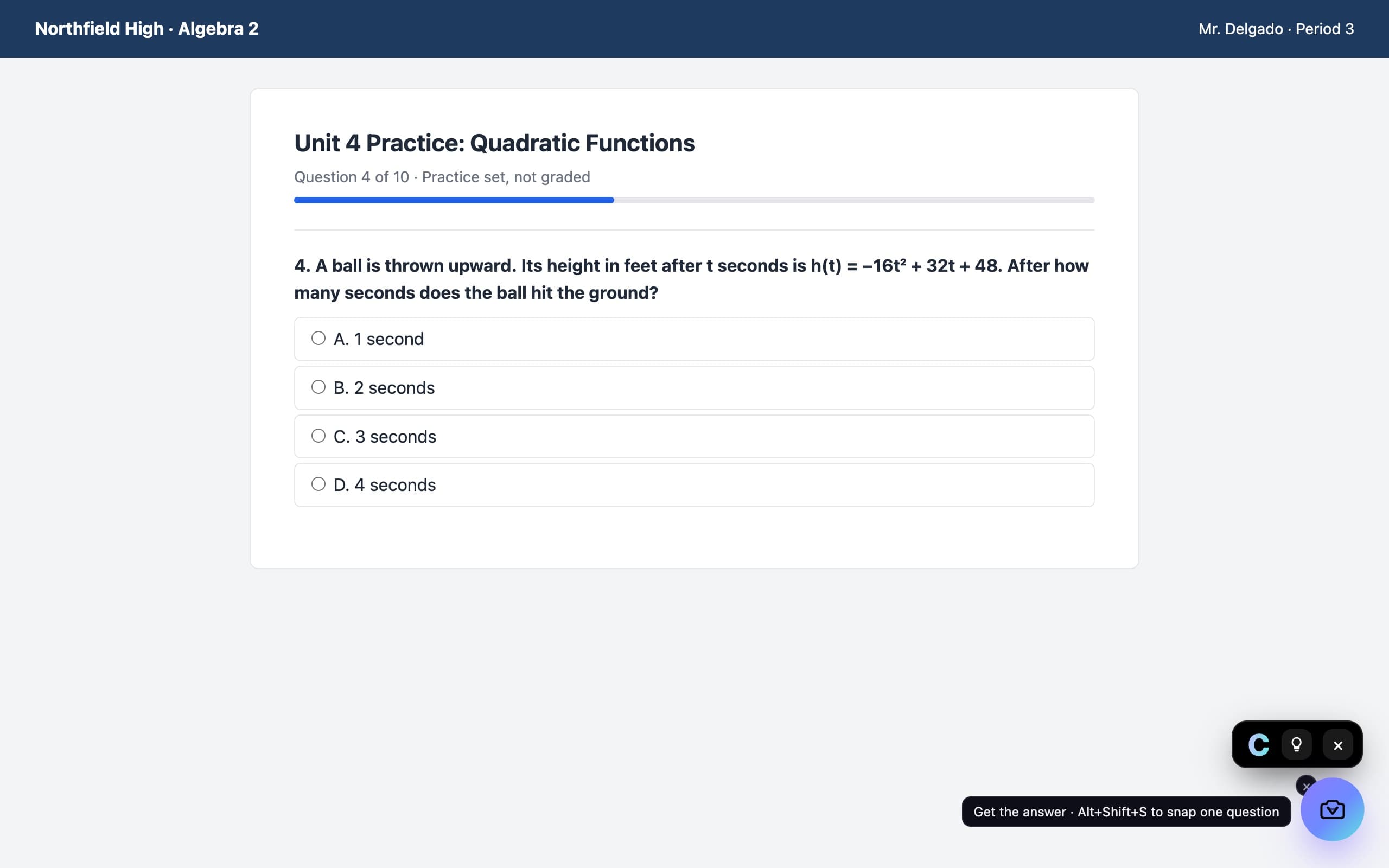
A camera in the corner of the page. Press it on a question and the answer appears in a small black chip, with every step behind the bulb.
Questions, answered
Can AI help with homework from a picture?
Yes. VeilGPT reads the picture, finds the problem and explains how to solve it step by step.
Is it free?
The free plan includes 5 snaps a day with a free account. Plus removes the limit.
What if the photo is blurry?
VeilGPT will say what it can read and ask for a clearer picture if it can't make out the problem.
VeilGPT is built for homework, practice and studying. Follow your school's and instructor's rules on AI use.