Works with
Instant Moodle answers, explained
Moodle runs practice quizzes, assignments and forums for schools and universities worldwide. Press the VeilGPT camera on any Moodle page to get the answer and the steps behind it.
- OpenOpen Moodle in Chrome as usual.
- SnapPress the VeilGPT camera in the corner of the page, or open the side panel and snap one question.
- UnderstandRead the answer, tap the bulb for every step, and ask follow-ups until it clicks.
What VeilGPT helps with on Moodle
Tips for Moodle
- Snap questions one at a time if the quiz shows several per page.
- Ask for an explanation in simpler words if a step is unclear.
- Use VeilGPT on course readings to get a quick summary.
How it looks on the page
A camera in the corner of the page. Press it on a question and the answer appears in a small black chip.
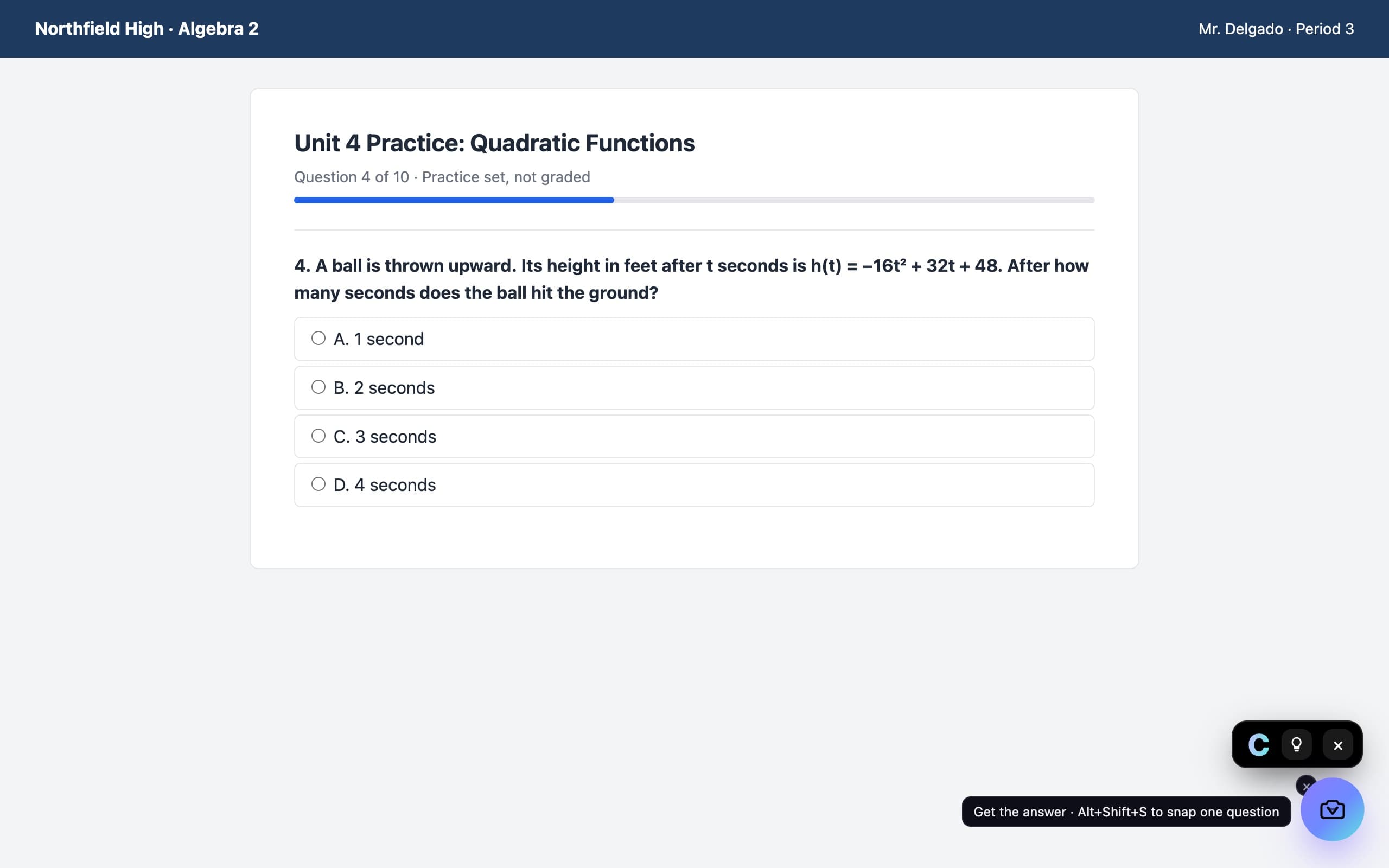
Moodle questions
Does VeilGPT work on Moodle?
Yes. Any Moodle site works, since VeilGPT reads the page you snap in Chrome.
Can I use VeilGPT on Moodle tests?
VeilGPT is built for homework, practice and studying. Many tests don't allow outside help, so follow your instructor's rules.
Can it explain readings too?
Yes. Snap a passage and ask for a summary or an explanation of a hard part.
VeilGPT is built for homework, practice and studying. Follow your school's and instructor's rules on AI use. Moodle is a trademark of its respective owner; VeilGPT is not affiliated with it.