Works with
Instant Pearson MyLab & Mastering answers, explained
Pearson's MyLab and Mastering platforms assign algorithmic homework in math, statistics, chemistry, physics and biology. Snap a problem and VeilGPT shows the method with your numbers plugged in.
- OpenOpen Pearson MyLab & Mastering in Chrome as usual.
- SnapPress the VeilGPT camera in the corner of the page, or open the side panel and snap one question.
- UnderstandRead the answer, tap the bulb for every step, and ask follow-ups until it clicks.
What VeilGPT helps with on Pearson MyLab & Mastering
Tips for Pearson MyLab & Mastering
- Snap the full problem including the figure, since many Mastering problems depend on it.
- Ask for units and significant figures to match the answer box.
- If a problem has parts A, B and C, snap them together.
How it looks on the page
A camera in the corner of the page. Press it on a question and the answer appears in a small black chip.
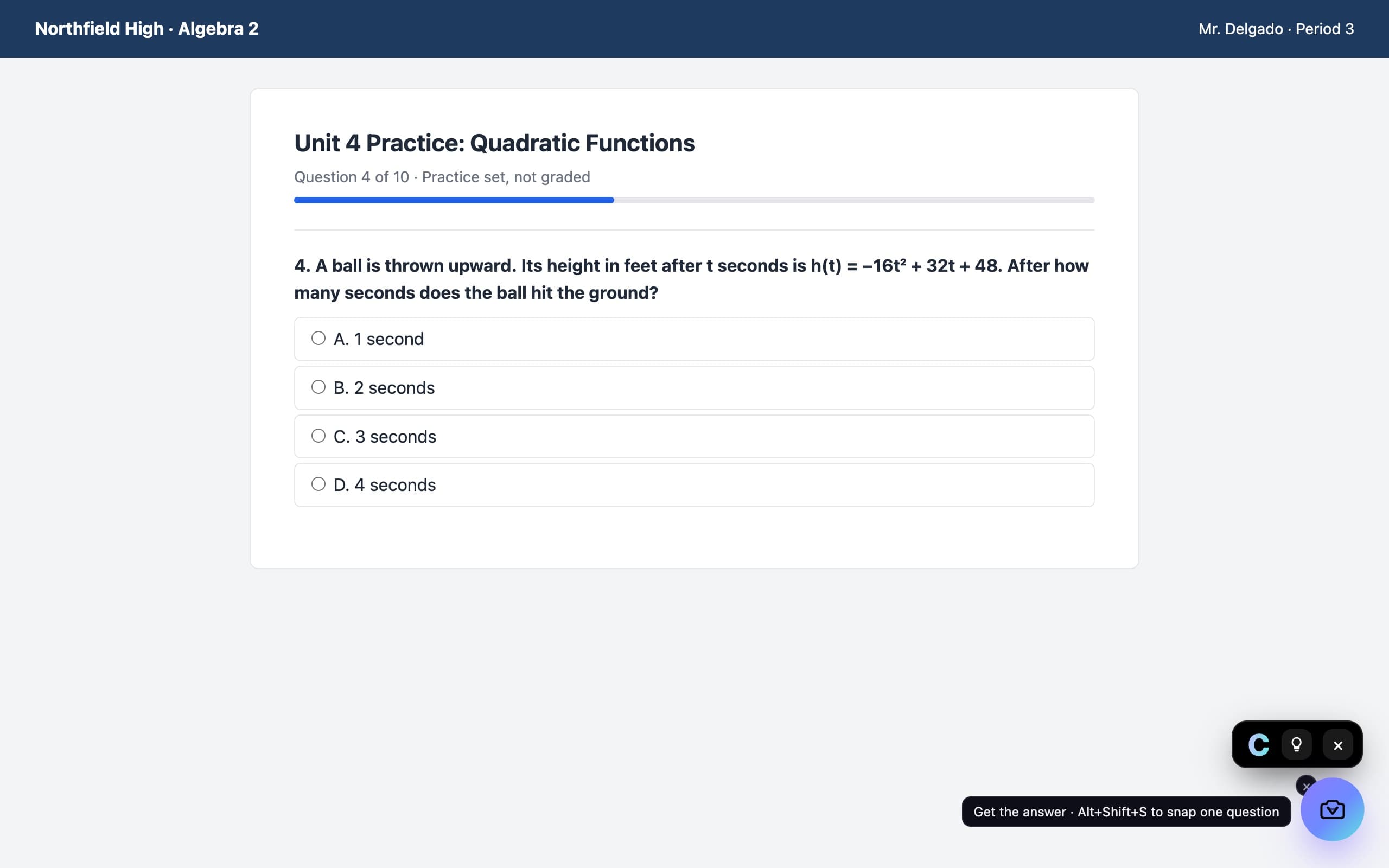
Pearson MyLab & Mastering questions
Does VeilGPT work with MyLab and Mastering?
Yes. Both run in your browser, so the camera button works on their homework pages.
Can it read graphs and diagrams?
Yes. Snap the problem with its figure and VeilGPT reads the values from it.
Can I use VeilGPT on MyLab tests?
VeilGPT is built for homework, practice and studying. Many tests don't allow outside help, so follow your instructor's rules.
VeilGPT is built for homework, practice and studying. Follow your school's and instructor's rules on AI use. Pearson MyLab & Mastering is a trademark of its respective owner; VeilGPT is not affiliated with it.