Works with
Instant McGraw Hill Connect answers, explained
McGraw Hill Connect assigns homework and SmartBook reading questions in courses like accounting, chemistry, biology, economics and psychology. Snap any question and VeilGPT shows the answer and the reasoning, so the next one goes faster.
- OpenOpen McGraw Hill Connect in Chrome as usual.
- SnapPress the VeilGPT camera in the corner of the page, or open the side panel and snap one question.
- UnderstandRead the answer, tap the bulb for every step, and ask follow-ups until it clicks.
What VeilGPT helps with on McGraw Hill Connect
Tips for McGraw Hill Connect
- For accounting, ask VeilGPT to show the journal entry or T-account, not just the number.
- Numbers change between students in Connect, so ask for the method and plug in your own values.
- Snap the whole problem, including any table or chart.
How it looks on the page
A camera in the corner of the page. Press it on a question and the answer appears in a small black chip.
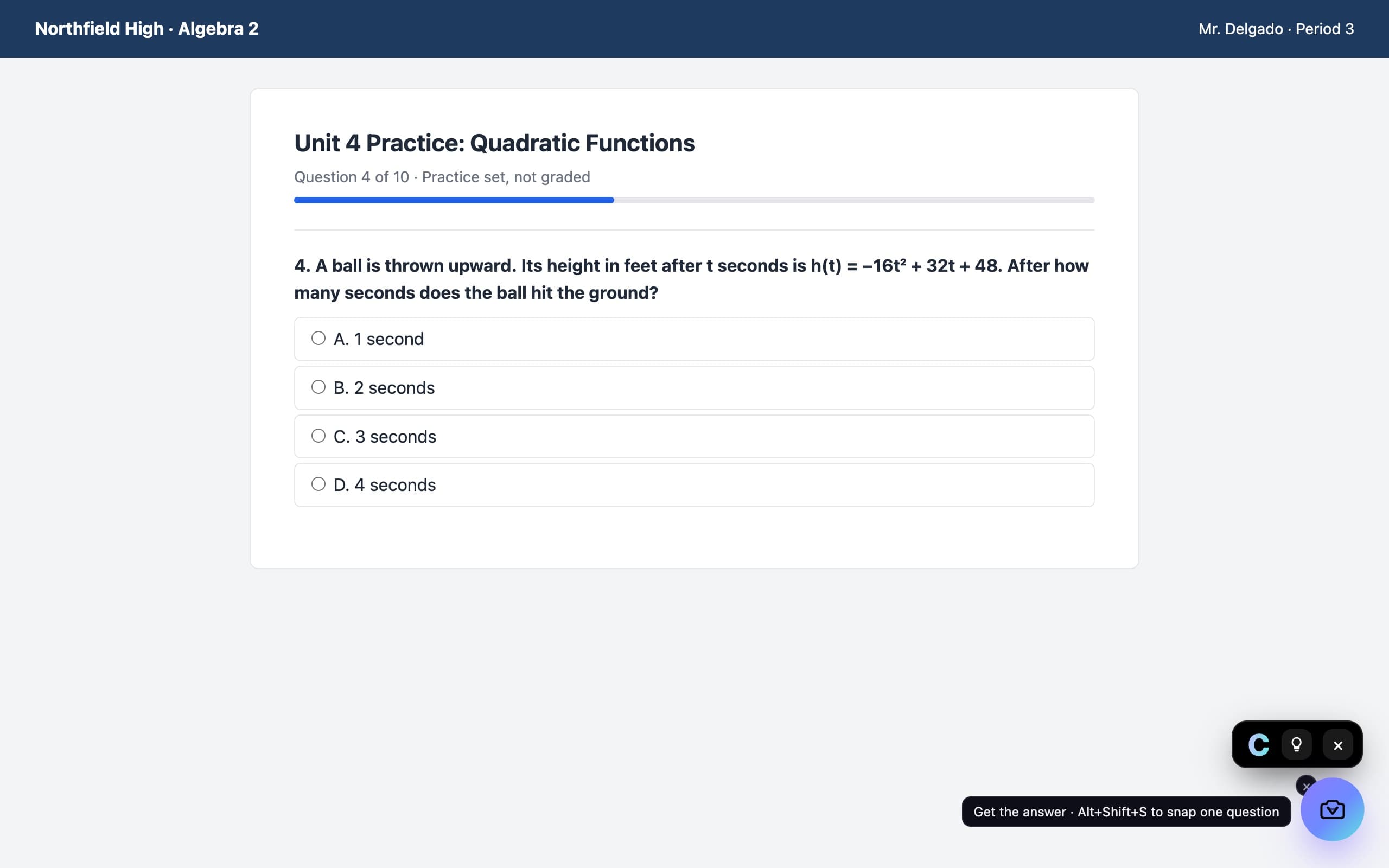
McGraw Hill Connect questions
Does VeilGPT work with McGraw Hill Connect?
Yes. Connect runs in your browser, so the VeilGPT camera works on its homework and SmartBook pages.
Can it handle accounting questions?
Yes. It walks through journal entries, financial statements and cost calculations step by step.
Can I use VeilGPT on Connect tests?
VeilGPT is built for homework, practice and studying. Many tests don't allow outside help, so follow your instructor's rules.
VeilGPT is built for homework, practice and studying. Follow your school's and instructor's rules on AI use. McGraw Hill Connect is a trademark of its respective owner; VeilGPT is not affiliated with it.