Works with
VeilGPT for Khan Academy
Stuck on a Khan Academy exercise? Get the concept explained a different way.
- OpenOpen Khan Academy in Chrome as usual.
- SnapPress the VeilGPT camera in the corner of the page, or open the side panel and hit Snap.
- UnderstandRead the step-by-step explanation and ask follow-ups.
VeilGPT is built for studying and practice. Always follow your school's and instructor's rules on AI use. Khan Academy is a trademark of its respective owner; VeilGPT is not affiliated with it.
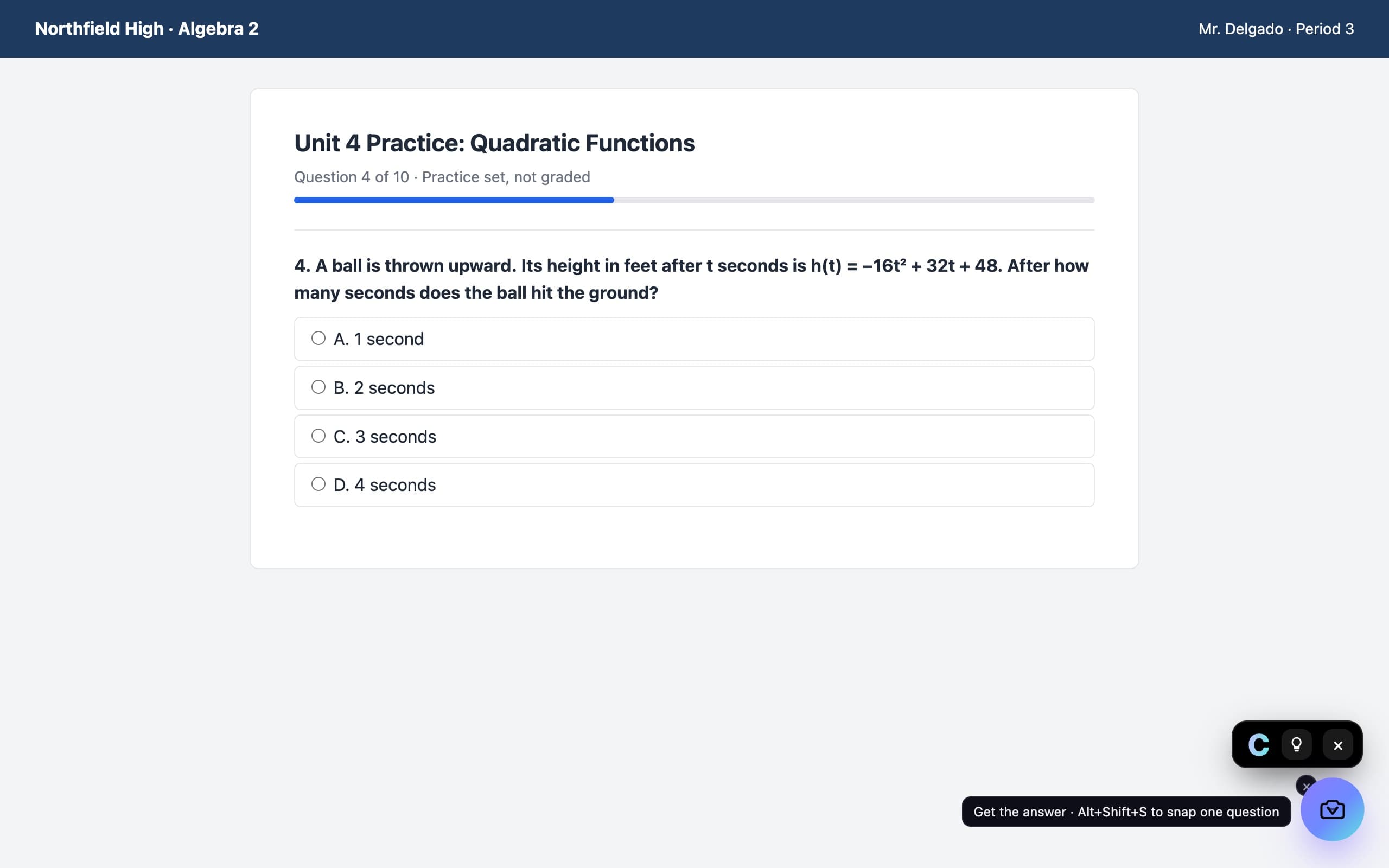
How it looks on the page
A camera in the corner of the page. Press it on a question and the answer appears in a small black chip.