Homework helper extension
The AI homework helper that lives in Chrome
VeilGPT adds a small camera button to every page. Press it on a question and the answer appears right there, with every step one tap away. No copying, no switching tabs, no photographing your screen.
- Add itAdd VeilGPT to Chrome and sign in with Google or email. The free plan includes 5 snaps a day.
- SnapPress the camera in the corner of any page, or drag a box around one question with Alt+Shift+S.
- UnderstandRead the answer, tap the bulb for numbered steps, and ask follow-up questions in the sidebar.
Why students use VeilGPT
Works on any page
Canvas, McGraw Hill, Pearson, Google Docs, PDFs and plain websites. If it shows in Chrome, VeilGPT can read it.
Steps, not just answers
Every answer comes with numbered steps and the rule each step uses, so you can do the next one yourself.
Sidebar chat
Open VeilGPT beside your work, solve the whole screen, attach an image, and keep asking why.
Your layout
Move the button, choose where answers appear, or switch to shortcut only mode for a clean page.
How it looks on the page
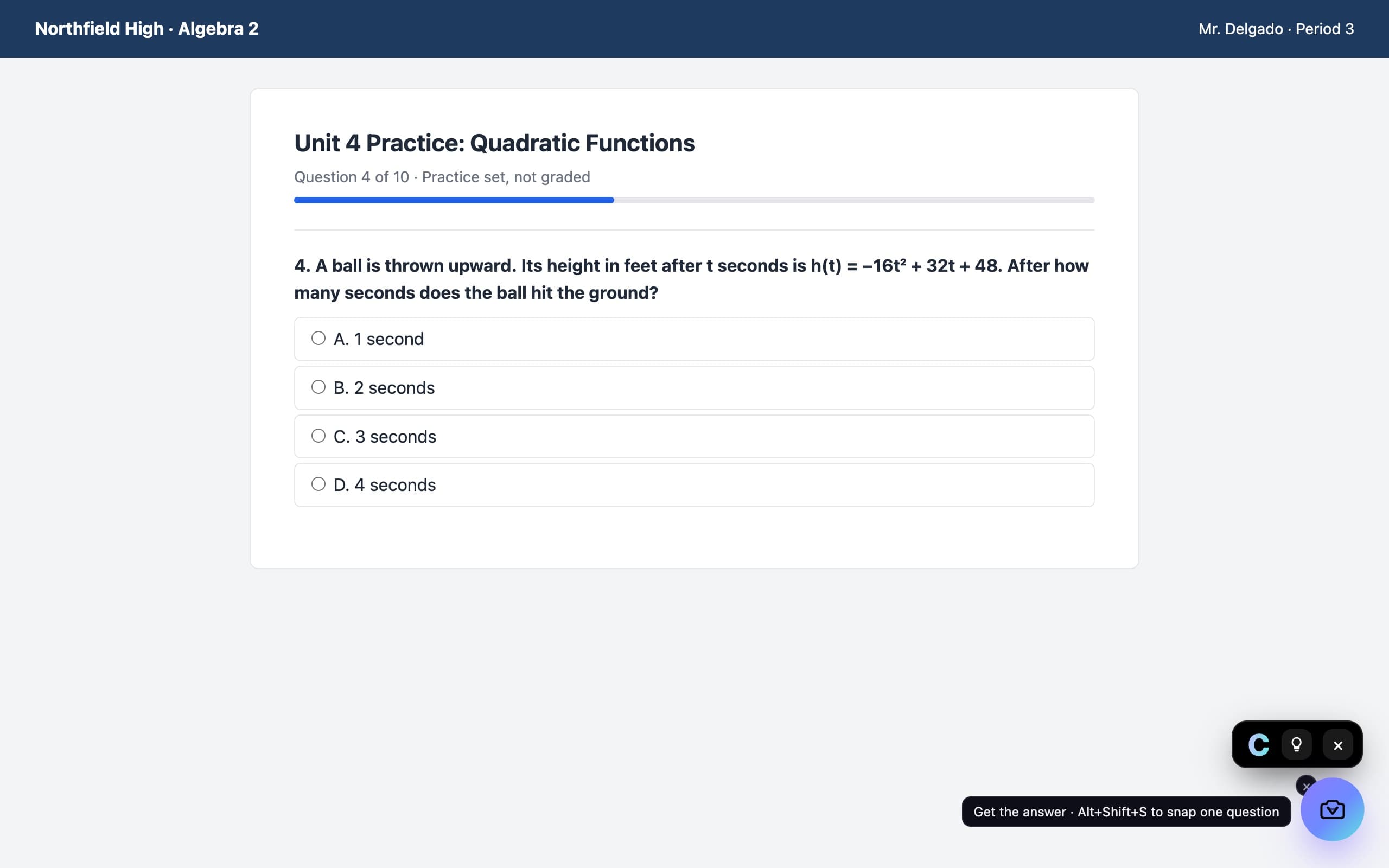
A camera in the corner of the page. Press it on a question and the answer appears in a small black chip, with every step behind the bulb.
Questions, answered
Is there a free AI homework helper Chrome extension?
Yes. VeilGPT is free to install and the free plan includes 5 snaps a day, each with full steps. Plus removes the daily limit.
Does the extension work on Edge too?
Yes. Microsoft Edge runs Chrome extensions, so you can add VeilGPT from the Chrome Web Store in Edge as well.
Can it read questions with images or graphs?
Yes. VeilGPT reads a screenshot of what you snap, so diagrams, graphs and equations are included.
Do I need an account?
Yes, a free account. It keeps your 5 daily snaps tied to you and lets Plus work on every device.
VeilGPT is built for homework, practice and studying. Follow your school's and instructor's rules on AI use.