Works with
Instant Savvas Realize answers, explained
Savvas Realize delivers K-12 programs in math, science and literacy. Snap any practice or homework question there and VeilGPT explains the answer one step at a time.
- OpenOpen Savvas Realize in Chrome as usual.
- SnapPress the VeilGPT camera in the corner of the page, or open the side panel and snap one question.
- UnderstandRead the answer, tap the bulb for every step, and ask follow-ups until it clicks.
What VeilGPT helps with on Savvas Realize
enVision mathScience programsReading & literacyPractice setsWord problemsLesson quizzes
Tips for Savvas Realize
- Snap the full question including pictures and tables.
- Ask for an explanation at your grade level.
- Use follow-ups to check your own work.
How it looks on the page
A camera in the corner of the page. Press it on a question and the answer appears in a small black chip.
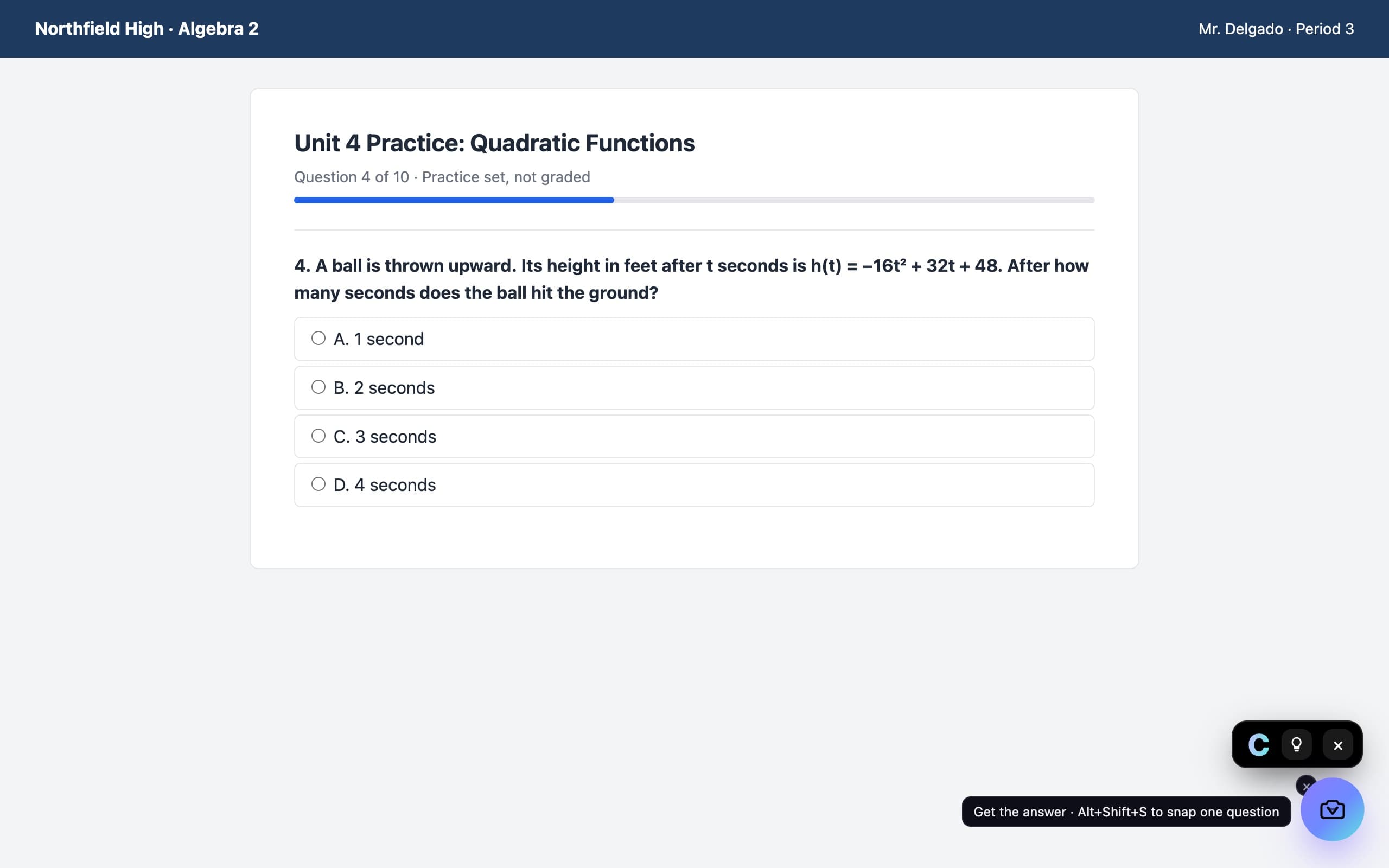
Savvas Realize questions
Does VeilGPT work on Savvas Realize?
Yes. It works on Savvas Realize pages in Chrome.
Can I use VeilGPT on Savvas tests?
VeilGPT is built for homework, practice and studying. Many tests don't allow outside help, so follow your teacher's rules.
Is it free?
Yes. 5 snaps a day are free; Plus is unlimited.
VeilGPT is built for homework, practice and studying. Follow your school's and instructor's rules on AI use. Savvas Realize is a trademark of its respective owner; VeilGPT is not affiliated with it.
Canvas helpMcGraw Hill Connect helpALEKS helpPearson MyLab & Mastering helpWebAssign helpBlackboard helpMoodle helpSchoology helpGoogle Classroom helpKhan Academy helpIXL helpDeltaMath helpEdpuzzle helpCoursera helpGoogle Forms helpPDFs & Textbooks helpCommonLit helpBig Ideas Math helpMATHia helpGizmos helpNewsela helpAchieve3000 helpMembean helpQuizizz helpCengage MindTap helpMacmillan Achieve & Sapling helpMcGraw Hill SmartBook helpMyMathLab helpMastering Chemistry helpMyAccountingLab helpMathXL helpInQuizitive helpEdgenuity helpD2L Brightspace helpHawkes Learning helpKnewton Alta helpEdmentum helpApex Learning helpAP Classroom helpVHL Central helpNoRedInk helpSparx Maths helpSeneca helpEducation Perfect help