Works with
Instant AP Classroom answers, explained
AP Classroom is where AP students find practice questions, progress checks and review for their AP courses. Snap a practice question and VeilGPT explains the answer and the skill behind it, so you can handle the same kind of question on exam day.
- OpenOpen AP Classroom in Chrome as usual.
- SnapPress the VeilGPT camera in the corner of the page, or open the side panel and snap one question.
- UnderstandRead the answer, tap the bulb for every step, and ask follow-ups until it clicks.
What VeilGPT helps with on AP Classroom
Tips for AP Classroom
- Ask VeilGPT why each wrong choice is wrong, since AP questions test the same skills in new ways.
- For free-response practice, ask how a strong answer would be organized, then write your own.
- Snap the stimulus, graph or source with the question.
How it looks on the page
A camera in the corner of the page. Press it on a question and the answer appears in a small black chip.
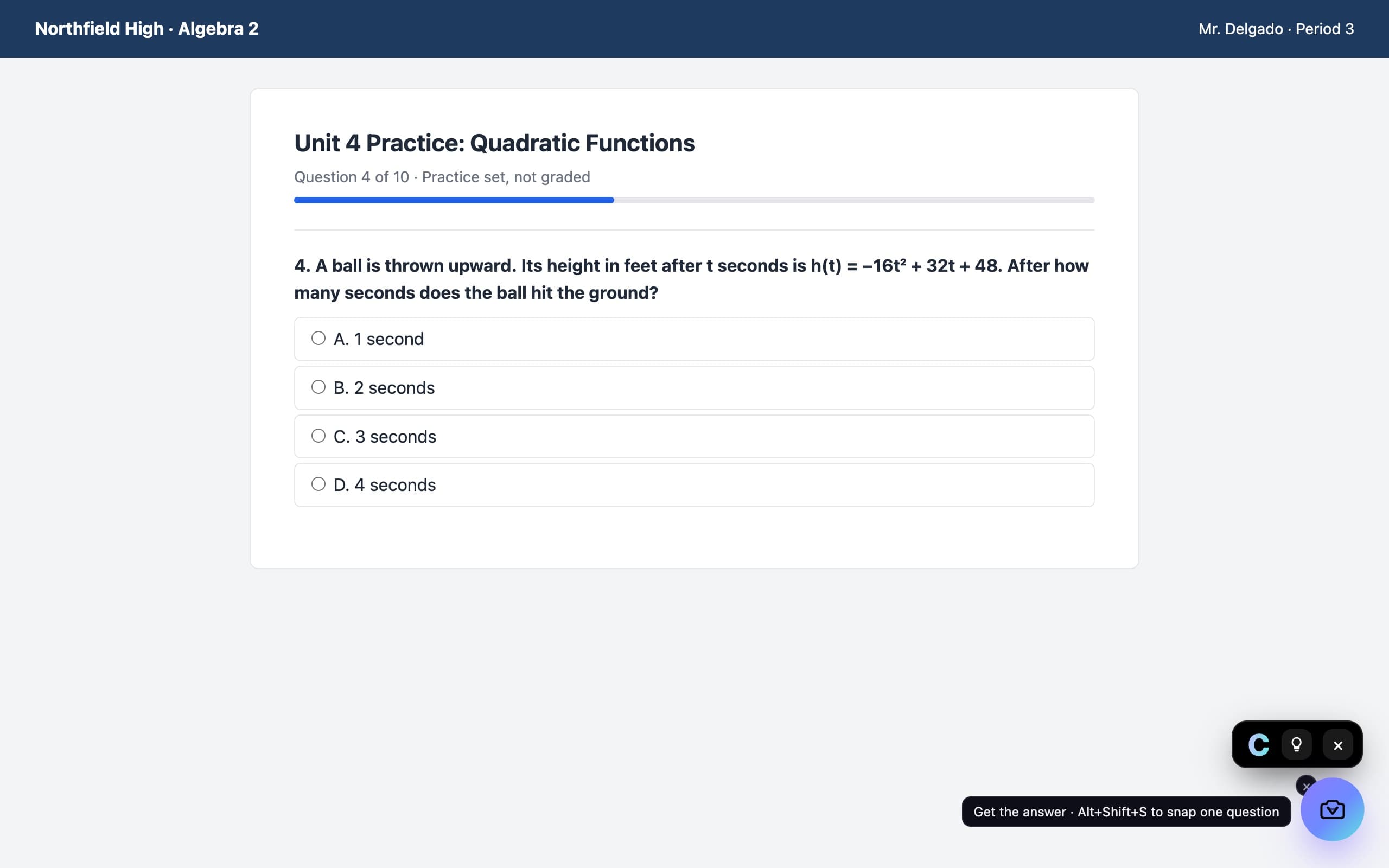
AP Classroom questions
Does VeilGPT work on AP Classroom?
Yes. AP Classroom runs in your browser, so you can snap practice questions with the VeilGPT camera.
Can it help with free-response questions?
Yes. It explains what the question is asking and how to structure a strong answer, so you can practice writing your own.
Can I use VeilGPT on AP Classroom progress checks?
VeilGPT is built for homework, practice and studying. Progress checks are meant to show what you know, so follow your teacher's rules.
VeilGPT is built for homework, practice and studying. Follow your school's and instructor's rules on AI use. AP Classroom is a trademark of its respective owner; VeilGPT is not affiliated with it.