Works with
Instant Labster answers, explained
Labster offers virtual lab simulations for biology, chemistry, physics and health science courses, with questions along the way about the experiment. Snap a question and VeilGPT explains the answer and the science behind it, so you understand the lab, not just finish it.
- OpenOpen Labster in Chrome as usual.
- SnapPress the VeilGPT camera in the corner of the page, or open the side panel and snap one question.
- UnderstandRead the answer, tap the bulb for every step, and ask follow-ups until it clicks.
What VeilGPT helps with on Labster
Tips for Labster
- Ask VeilGPT why each step of the procedure matters, not only what to do next.
- Snap any graph or result screen and ask what the data shows.
- Ask for a short summary of the lab when you finish, to review before class.
How it looks on the page
A camera in the corner of the page. Press it on a question and the answer appears in a small black chip.
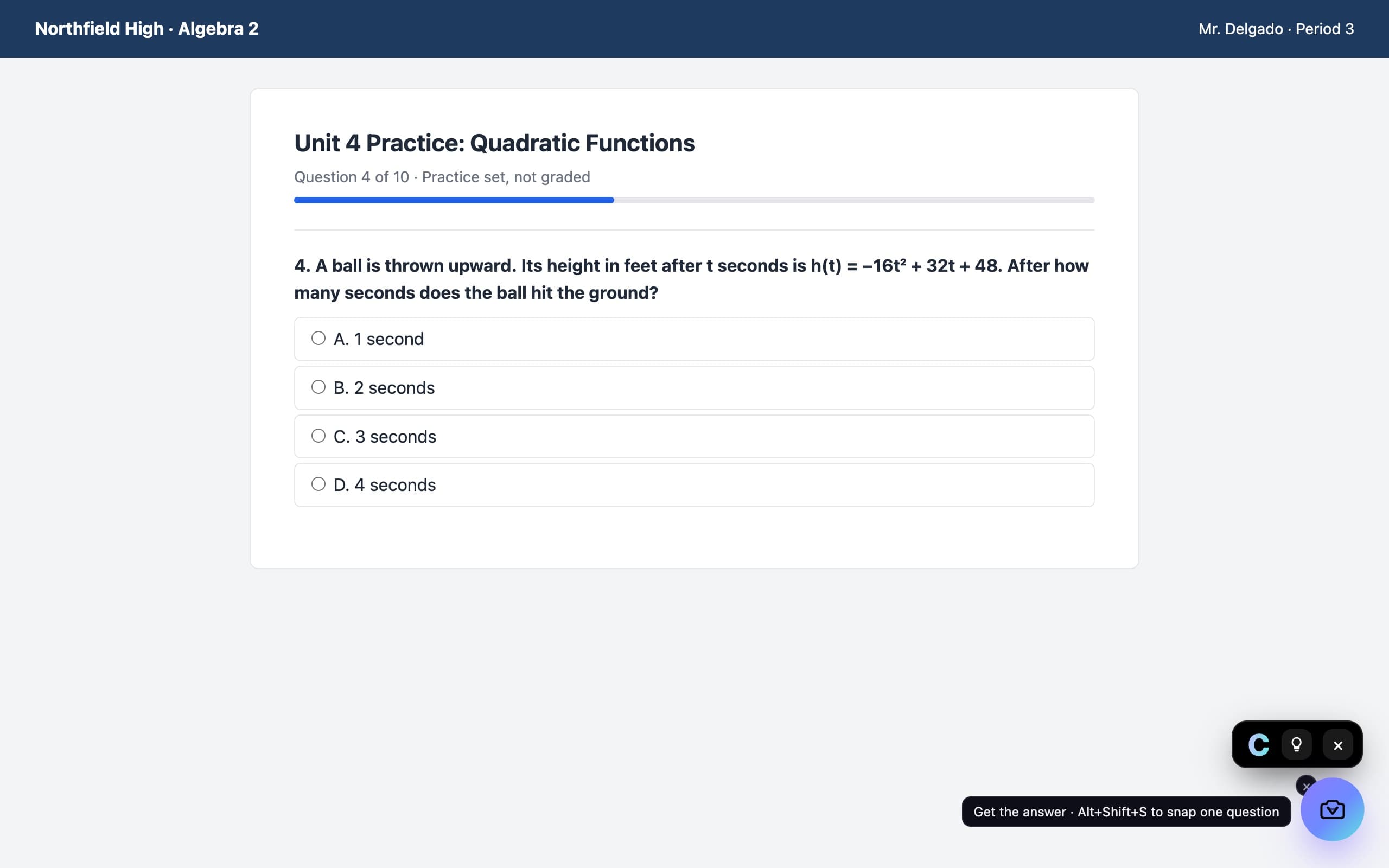
Labster questions
Does VeilGPT work on Labster?
Yes. Labster runs in your browser, so the VeilGPT camera works on its simulation questions and theory pages.
Can it explain lab calculations?
Yes. It walks through dilutions, concentrations, rates and other lab math step by step.
Does it submit anything to Labster?
No. VeilGPT only reads the question you snap and shows an explanation. It never types or submits answers for you.
VeilGPT is built for homework, practice and studying. Follow your school's and instructor's rules on AI use. Labster is a trademark of its respective owner; VeilGPT is not affiliated with it.