Features
Everything VeilGPT does, in one place.
One click for the answer, every step behind it, and a tutor beside your work when you want to dig deeper.
Two ways to get unstuck
Camera button
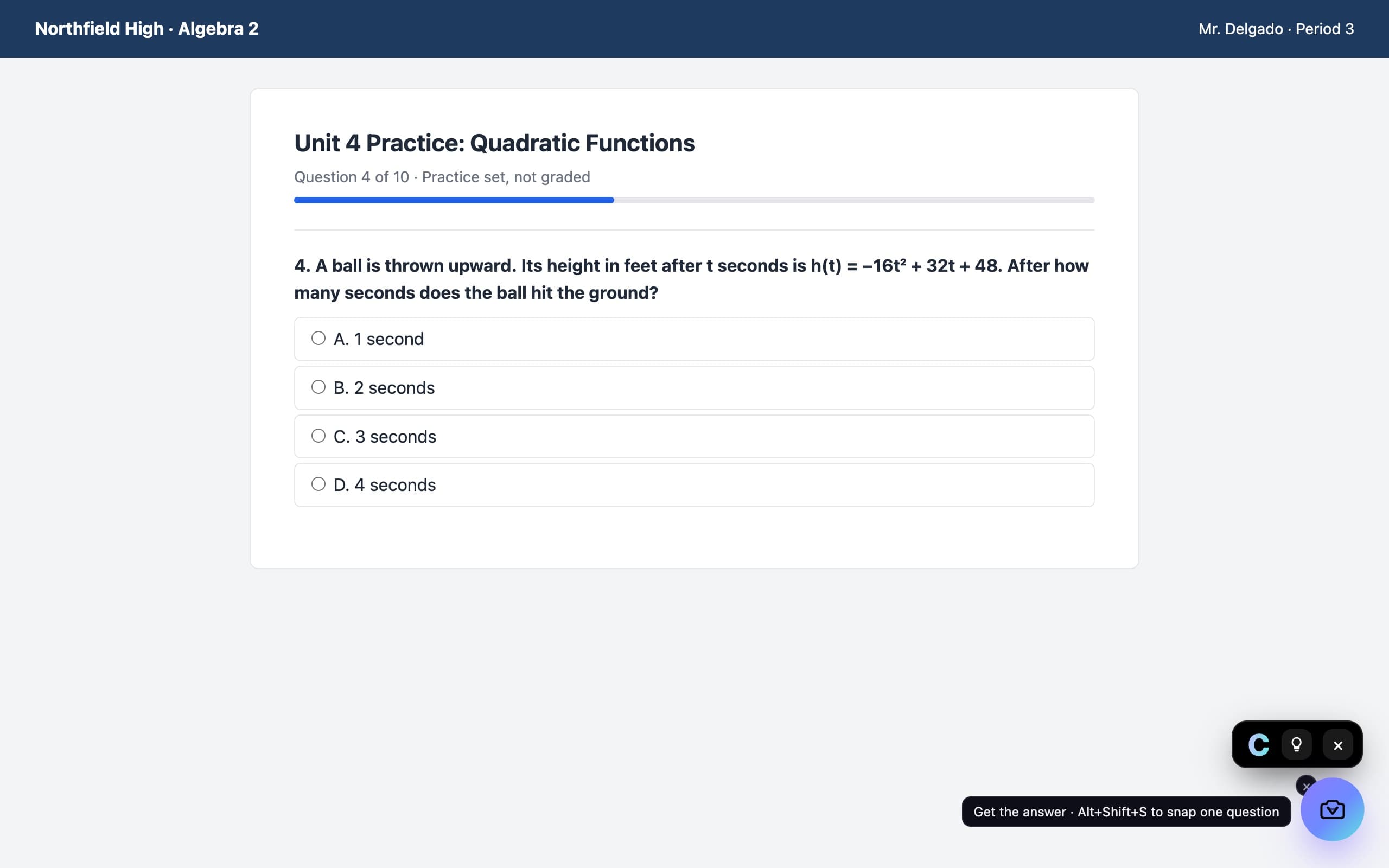
It sits in the corner of every page. One press and the answer shows up in a small black chip. Tap the bulb for every step.
Sidebar chat
Open VeilGPT beside your work and keep the conversation going.
- Snap a box. Drag around one question, or solve the whole screen at once.
- Ask “why?” Follow up on any step until it clicks.
- Real math. Fractions, integrals and matrices, rendered like your textbook.
- Seconds, not hours. Explanations stream in right away.
Stop tab-hopping for answers
Getting unstuck shouldn't take five tabs and twenty minutes.
The usual way
Five tabs later…
- Copy the question
- Open a new tab and search
- Scroll past ads and paywalls
- Find an answer with no work shown
- Still not sure why it's right
With VeilGPT
One press. Done.
- Press the camera on the question
- See the answer in a second
- Tap the bulb for every step
- Ask “why?” until it clicks
No new tab. No copy and paste. You never leave the page you're on.
See it on your homework site
Pick the site you use. Watch VeilGPT work on it.
VeilGPT works on Canvas like any other page. Press the camera on a question and the answer shows up right there, with every step a tap away.
How it works on CanvasHow students use VeilGPT
Check your work
Finished a problem set? Snap each one and see if your method matches, before you hit submit.
Unstuck at 1 a.m.
No tutor, no office hours, no group chat replies. VeilGPT walks you through it, one step at a time.
Cram for the test
Turn lesson pages into a summary, key terms and a practice quiz with an answer key.
Why not just use…
Every way to get help, side by side.
| VeilGPT | AI chatbots | Photo math apps | Googling it | |
|---|---|---|---|---|
| Answers on the page you're on | Copy into a new tab | Phone camera | ||
| Every step, with the rule named | If you ask | Math only | ||
| Every subject | Math only | |||
| Ask follow-up questions | ||||
| One keyboard shortcut | ||||
| Free to start |
Questions, answered
What is VeilGPT?
VeilGPT is an AI study helper. Snap or type any question and get a clear, step-by-step explanation in seconds.
How does the browser extension work?
Press the camera button in the corner of any page and the answer shows up in a small chip. Tap the bulb for every step, or open the side panel to snap a single question and ask follow-ups.
Which subjects does it cover?
Algebra, geometry, trigonometry, calculus, statistics, chemistry, physics, biology, economics, history, computer science and writing feedback.
Can I get instant homework answers?
Yes. Press the camera in the corner of any page and the answer appears in seconds. Tap the bulb to see every step.
Is VeilGPT free?
Yes. You get free snaps every day. Plus unlocks unlimited snaps and follow-up questions.
Is my data private?
VeilGPT only looks at a page when you snap it, and we never sell your data. Answers come from Meta's Muse Spark AI, and Meta may use the questions you send to train its models, so don't include personal details. See our privacy policy for details.
Stop staring. Start understanding.
Free on Chrome. 5 snaps a day, every one with the steps.
Add to Chrome, it's free